Mission
Remove the friction between having an image and having the right image. Everyday production tasks should take seconds, not a full editor, a learning curve or a cloud upload.
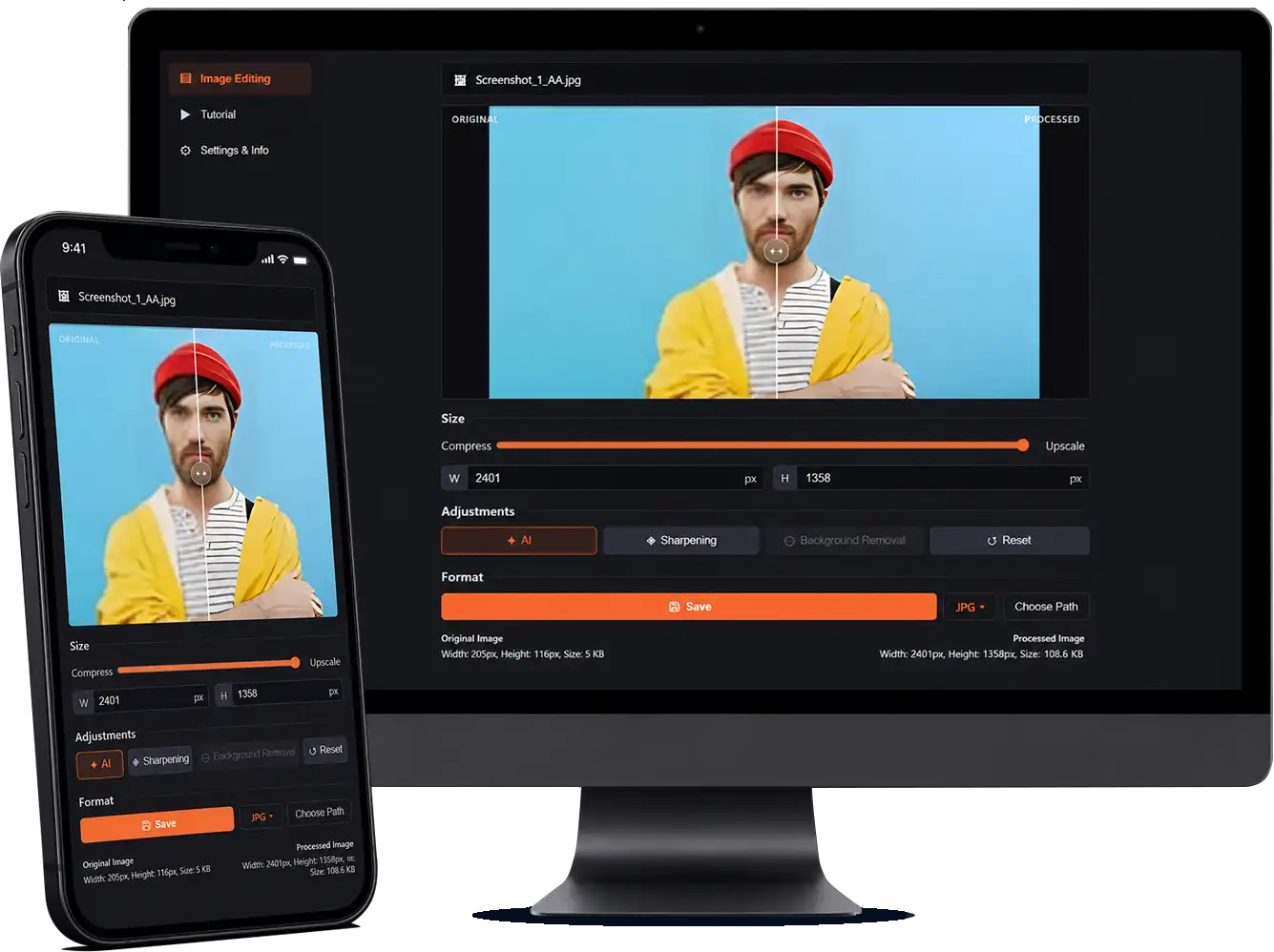
Vexel is a lightweight desktop tool for designers and developers who need to compress, upscale, convert or remove an image background and then get straight back to work.
Built in Rust, it opens quickly and uses very little memory. Pick a file, choose one of four focused jobs and finish in a few clicks, with no canvas to prepare and no cloud upload required.
Mission
Remove the friction between having an image and having the right image. Everyday production tasks should take seconds, not a full editor, a learning curve or a cloud upload.
Vision
Become the fastest, simplest route to a production-ready image, so designers, developers and marketers never have to wait on an oversized tool again.
Product
A focused workspace keeps the image and essential controls visible, helping each task feel direct from selection to export.
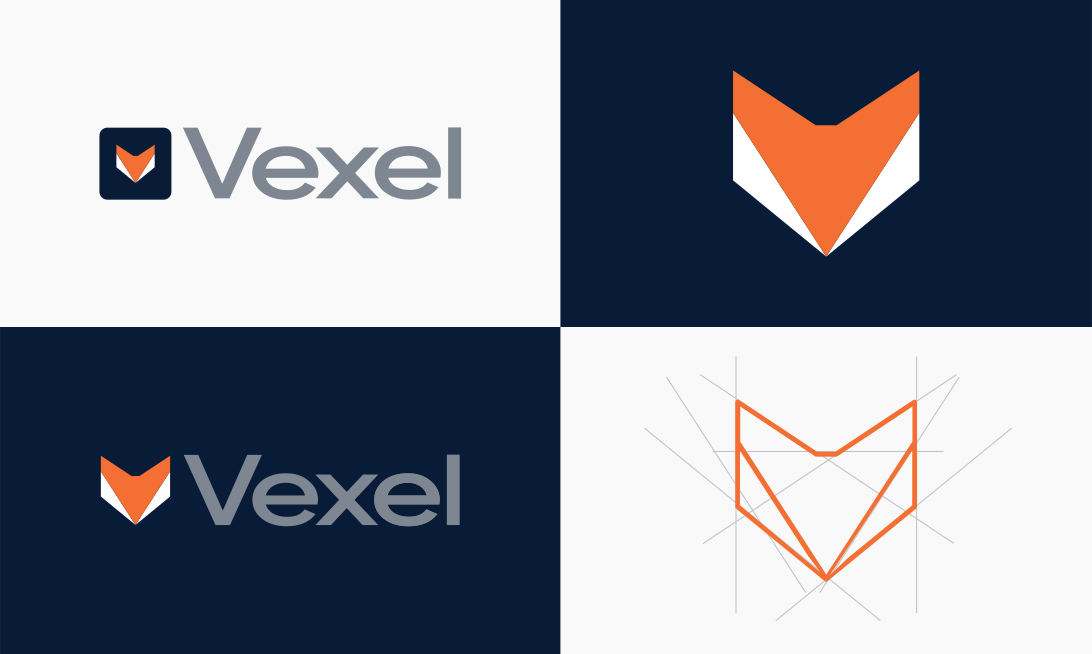
Primary Mark
A geometric fox represents speed, intelligence and efficiency. Its minimal construction reflects the product itself and remains recognizable from application UI to larger communication formats.
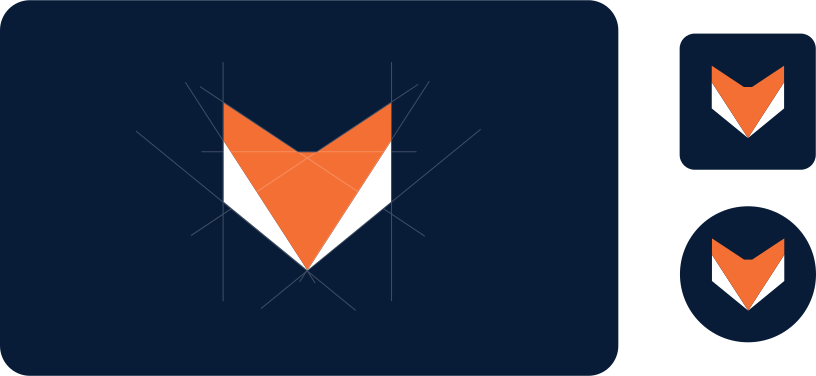
Symbol
The fox also works independently as the product’s compact identifier. Its silhouette stays clear in application icons, browser surfaces, social profiles and system-tray environments.
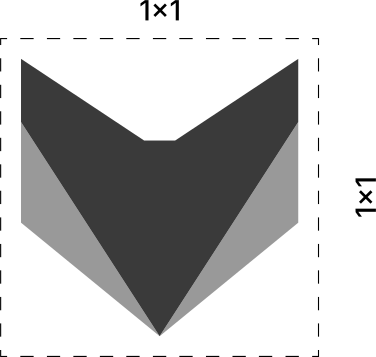
Proportion
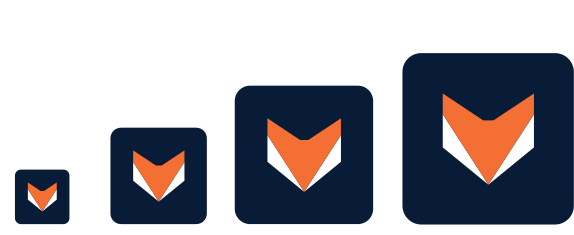
The icon is built on a 1:1 ratio. Equal width and height give it a stable footprint across application launchers, social profiles, favicons and system trays.
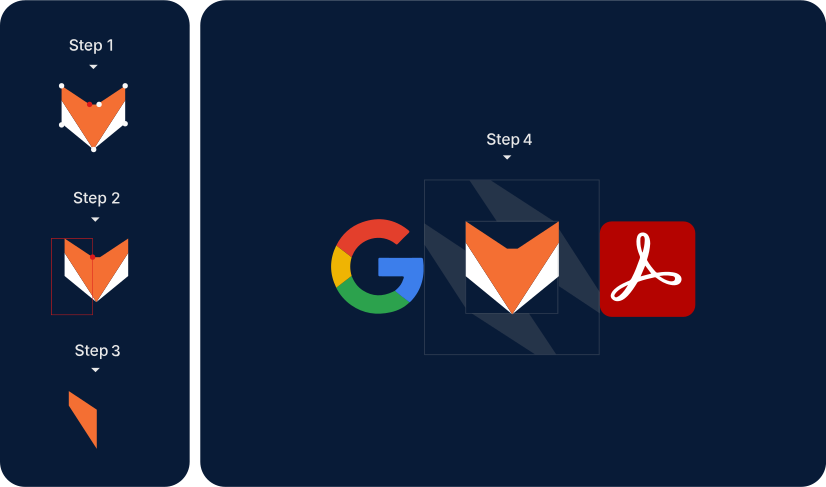
Clear Space
The clear space is measured from the left third of the fox and repeated on every side. Text, graphics and interface elements should remain beyond this boundary so the symbol stays legible and unobstructed.
Minimum Size
The icon should never appear smaller than 22 by 22 pixels. Below that point, the inner geometry loses clarity and the fox becomes harder to recognize.
Applications
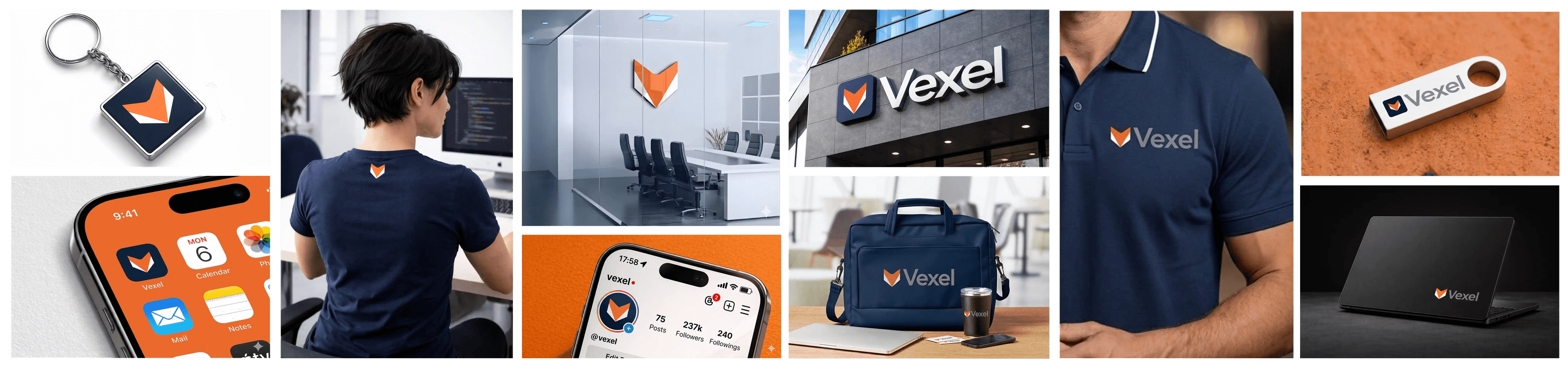
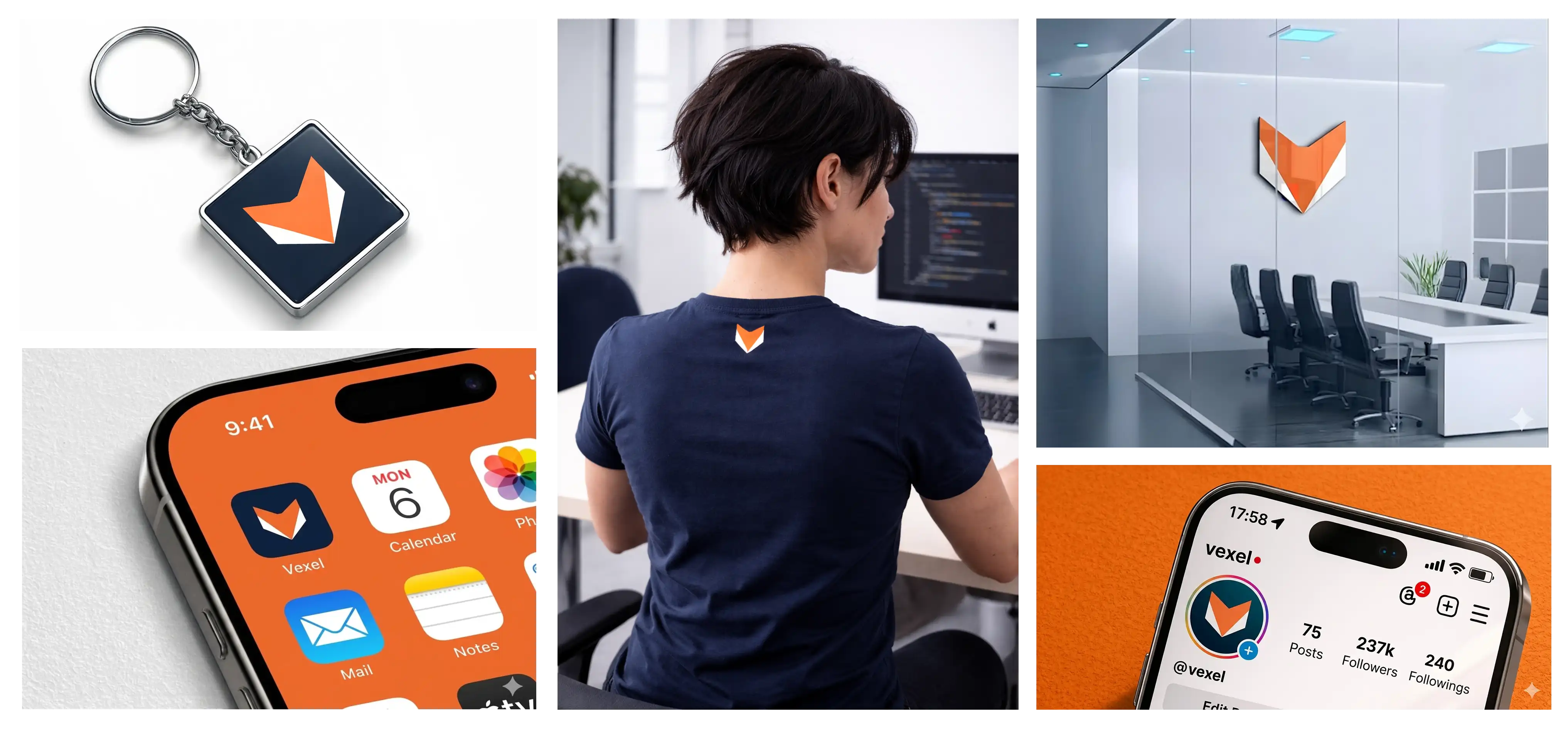
The compact fox translates naturally to software icons, apparel, small objects and environmental graphics without losing its shape.
Orange brings warmth, energy and action to important interactions. Deep navy creates focus, while the grayscale ramp carries text, surfaces, borders and interface states without competing with the user’s images.
Main
Vexel Orange
#F46F33
Orange Dark
#F44633
Orange Light
#F4CD33
Deep Navy
#081B37
Navy Light
#0D2B58
Other Colors
GS-100
#FFFFFF
GS-200
#D3D5D6
GS-300
#A7AAAD
GS-400
#7B8084
GS-500
#6A6F72
GS-600
#383B3D
GS-700
#494C4F
GS-800
#383B3D
GS-900
#28292B
GS-1000
#171819
Inter is the complete type system. Its neutral, precise forms remain legible from compact system labels to large campaign headlines without drawing attention away from the work.
Font Style
Product & Brand
Inter
Aa
Font Sizes
Interface System
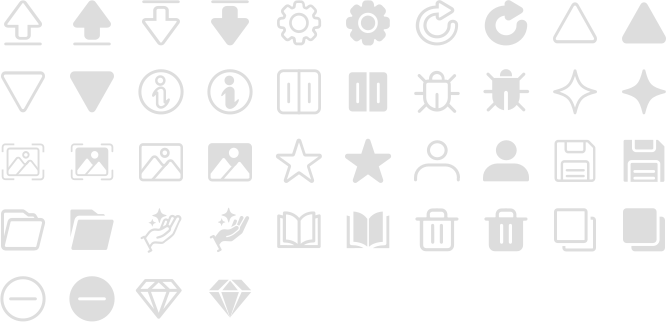
Every interface symbol has filled and outlined states. Filled icons signal active or selected actions, while outlines represent the resting state and keep visual feedback immediate.
Motion
The fox doubles as a product loader, cycling through idle, rendering, enhancing and face-restoration states. Its triangular parts fold, spin and scan only while real processing is happening.
When the task finishes, the loop settles back into the static mark instead of continuing as decoration.
More work